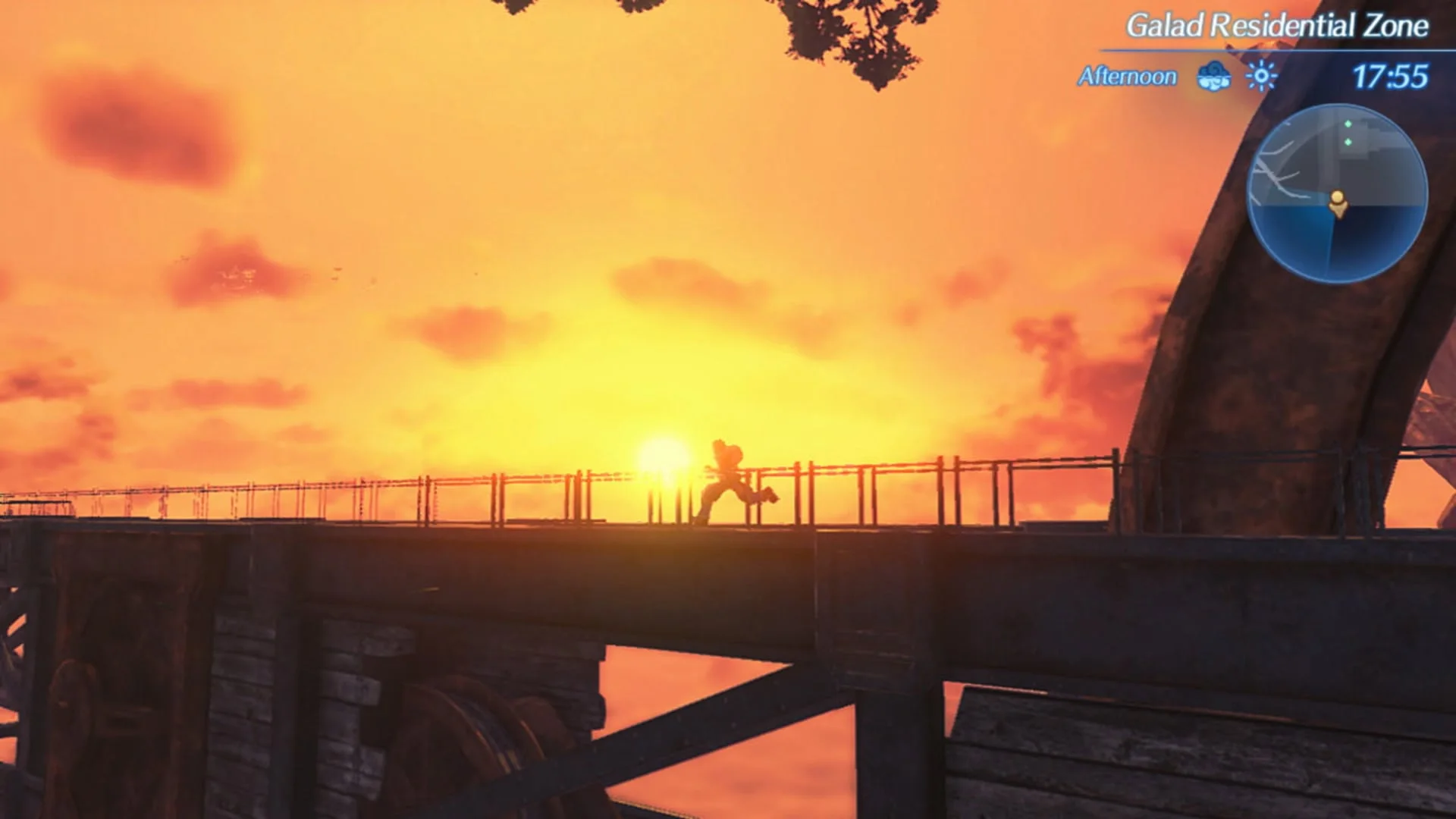
Every Blade has an affinity chart: a node tree of skills, stat boosts, and field abilities unlocked by completing specific conditions. Trust rank and chart progress are the quiet progression systems that turn a newly awakened Blade into something you actually want in the active three slots.
Field Skills are the exploration side of the same system. Chests, shortcuts, scaffolding, and certain quests check combined party skill levels. This page explains how to progress charts without turning the game into homework.
This page stays focused on affinity charts & field skills with concrete menu and combat vocabulary so you can apply it on your next session without reopening a general overview.
01
Reading an affinity chart
Nodes ask for concrete actions: deal damage with the Blade, use Specials a number of times, gather items, finish quests, or reach trust thresholds. Unlocking a node can reveal further branches. Key combat perks and higher field skill ranks are almost always deeper in the tree.
When a new Blade joins, open the chart immediately and note the cheapest combat nodes. Early unlocks often include quality-of-life damage or support effects that change the Blade from “dead weight” to “usable” within a single play session.
Batch easy combat nodes for a newly equipped Blade during ordinary trash fights instead of scheduling a separate grinding block. Many chart conditions complete passively if you simply use the Blade on purpose for twenty minutes.
02
Field Skills in exploration
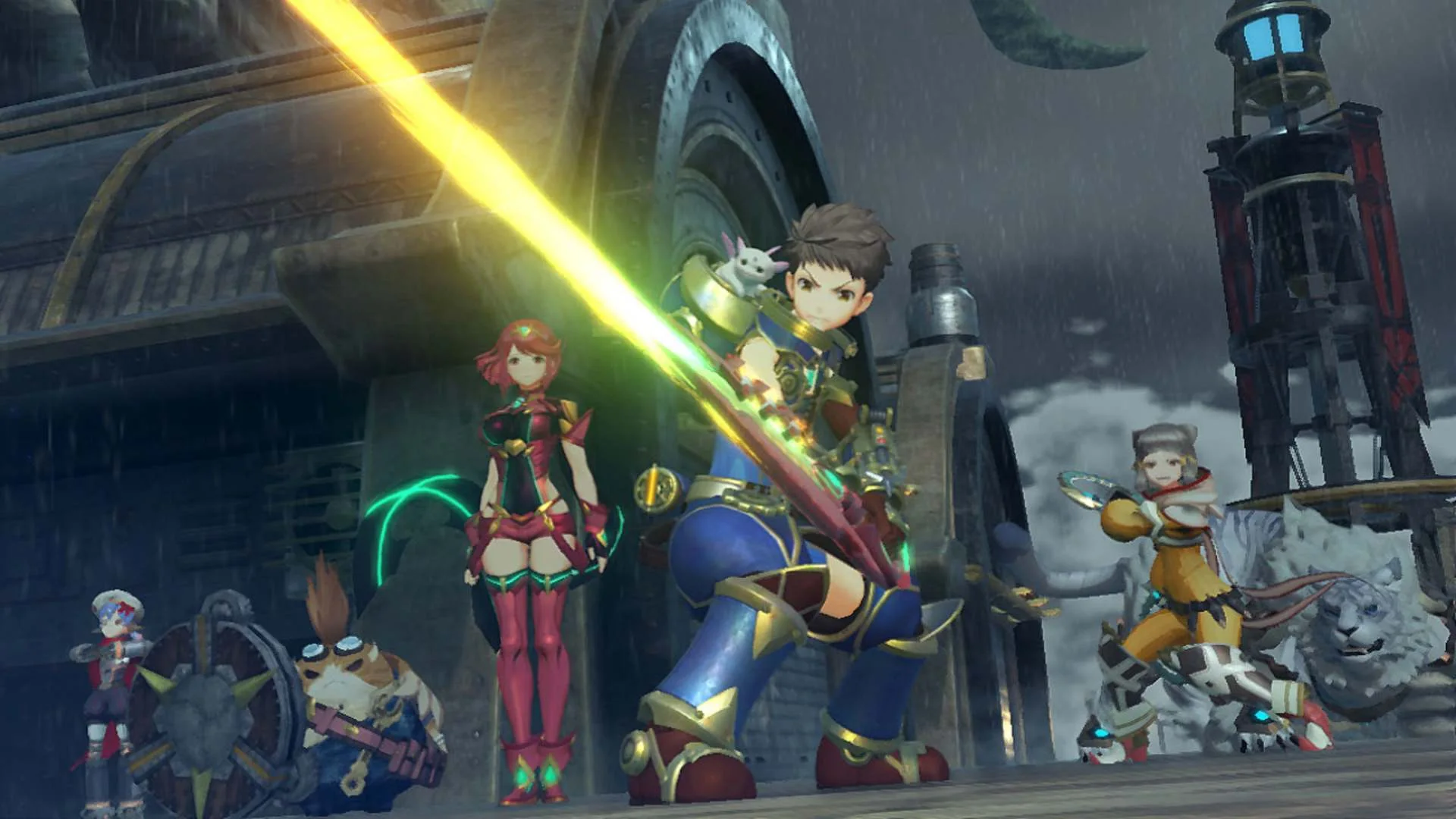
Field Skills such as superstrength, lockpicking, focus, or elemental checks appear on world interactions. The game totals relevant skill levels across the active party. If you fail a check, either return later or swap in Blades that actually invest in that skill line.
This is why common Blades remain useful: a common with the exact field skill you lack can open a chest containing a better crystal or unique material. Collectors who only keep legendary names sometimes soft-lock their own exploration efficiency.
When a check fails, open the Blade menu and sort by the required skill rather than wandering randomly. Keeping one “lockpicker” common in the active party often saves more real-world time than another DPS rare.
03
Merc Missions as passive progress
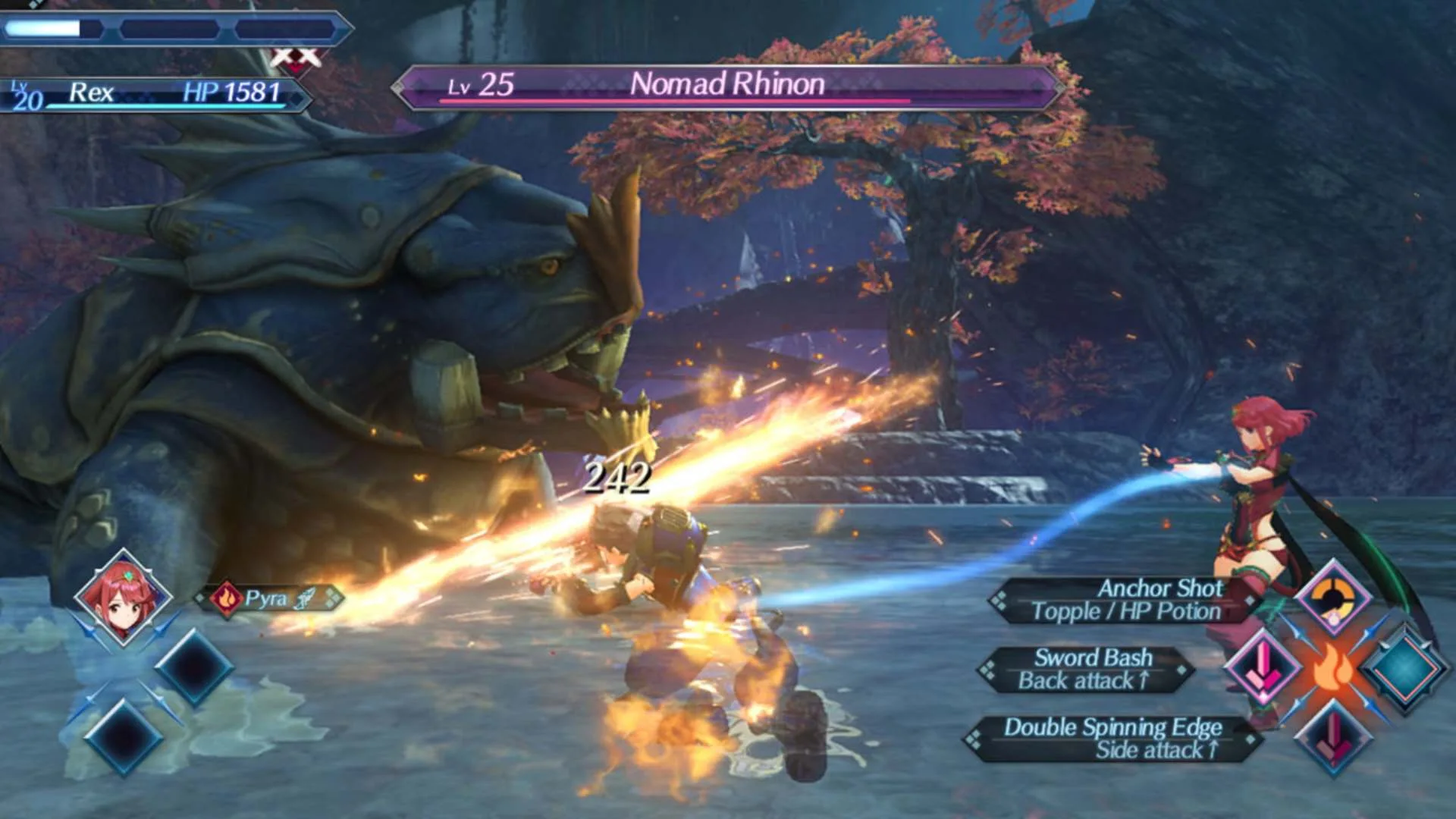
Merc Missions send non-active Blades on timed tasks. They yield items, affinity progress opportunities, and world development benefits depending on the mission. Use them to keep bench Blades growing while your main three Drivers push the story.
On the Switch 2 Edition, Merc Assault adds a more direct action layer to mercenary play. Even on the original version, checking the merc board when you enter a town is free progression you should not ignore.
Refill merc boards whenever you enter a town after a long exploration loop. Idle progress on bench Blades is free affinity and materials while you push main quests with your A-team.

FAQ
Questions players ask first
Why can’t I open this chest or path?+
The prompt almost always lists required field skill levels your current party does not provide. Equip Blades that invest in that skill line or return after more affinity progress on specialists.
Should I max every chart?+
No. Max charts on Blades you actually use, grab critical field skill nodes on specialists, and leave full completionism for a deliberate post-game project.